WorkshopDelegate your repetitive tasks to Claude
From your folders to finished work
Every office has work that comes back again and again: the weekly report, the morning inbox sort, the same figures copied from one file to another. It has to be done, but it doesn’t move your business forward.
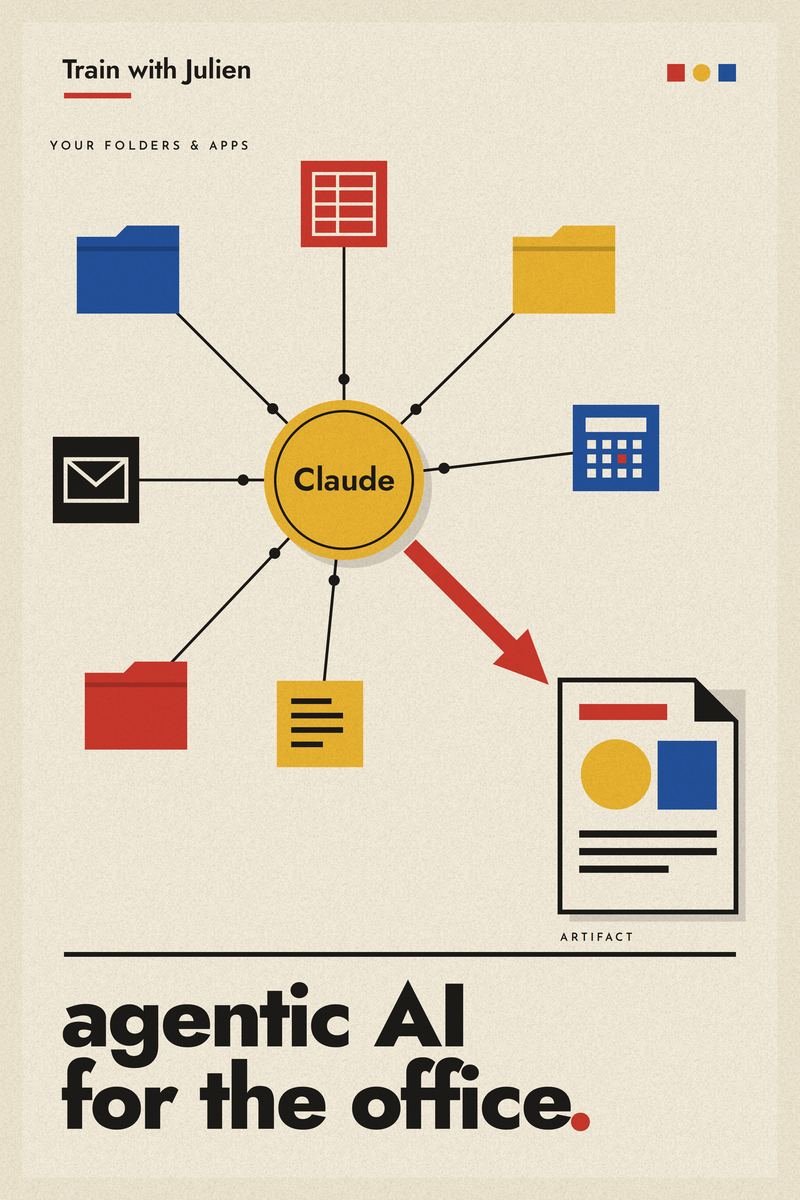
Claude can now take that work off your desk. It reads your files, works in your apps, follows your procedure, and runs on a schedule. You keep your attention for the work that needs you.
Typical tasks participants bring
- Sorting and summarising incoming emails
- Compiling a weekly or monthly report from several files
- Logging documents, invoices or orders into a tracker
- Preparing briefings before meetings
- Filing and renaming documents in a folder
The course journey, in five parts
- AMeet ClaudeConversations, better prompts, Projects, Artifacts, Research and other ways to use Claude
- BChoosing how to workThinking with Claude versus delegating to it; finding the tasks worth handing over
- CFoundationsFolders and permissions, connecting your apps, standing instructions, skills and plugins
- DDelegation in practiceBriefing Claude, reviewing its work, correcting it, working safely
- EAutomationsWork patterns, scheduled tasks, usage and costs, testing and troubleshooting
What participants walk away with
- One real automation from your workplaceTested and running on a schedule.
- A repeatable methodTo spot, plan, build and schedule the next one on your own.
- A clear map of ClaudeSo you know which feature fits which job.
- Control and safetyYou decide what Claude can see, use and do without asking.
- Cost awarenessWhat an automation uses from your plan, and how to keep it in check.
- Your own course syllabusWith step-by-step screenshots, worksheets and space for notes.